16. Reports
Every report can be filtered by date range and by customer.
16.1 The tabs, in order
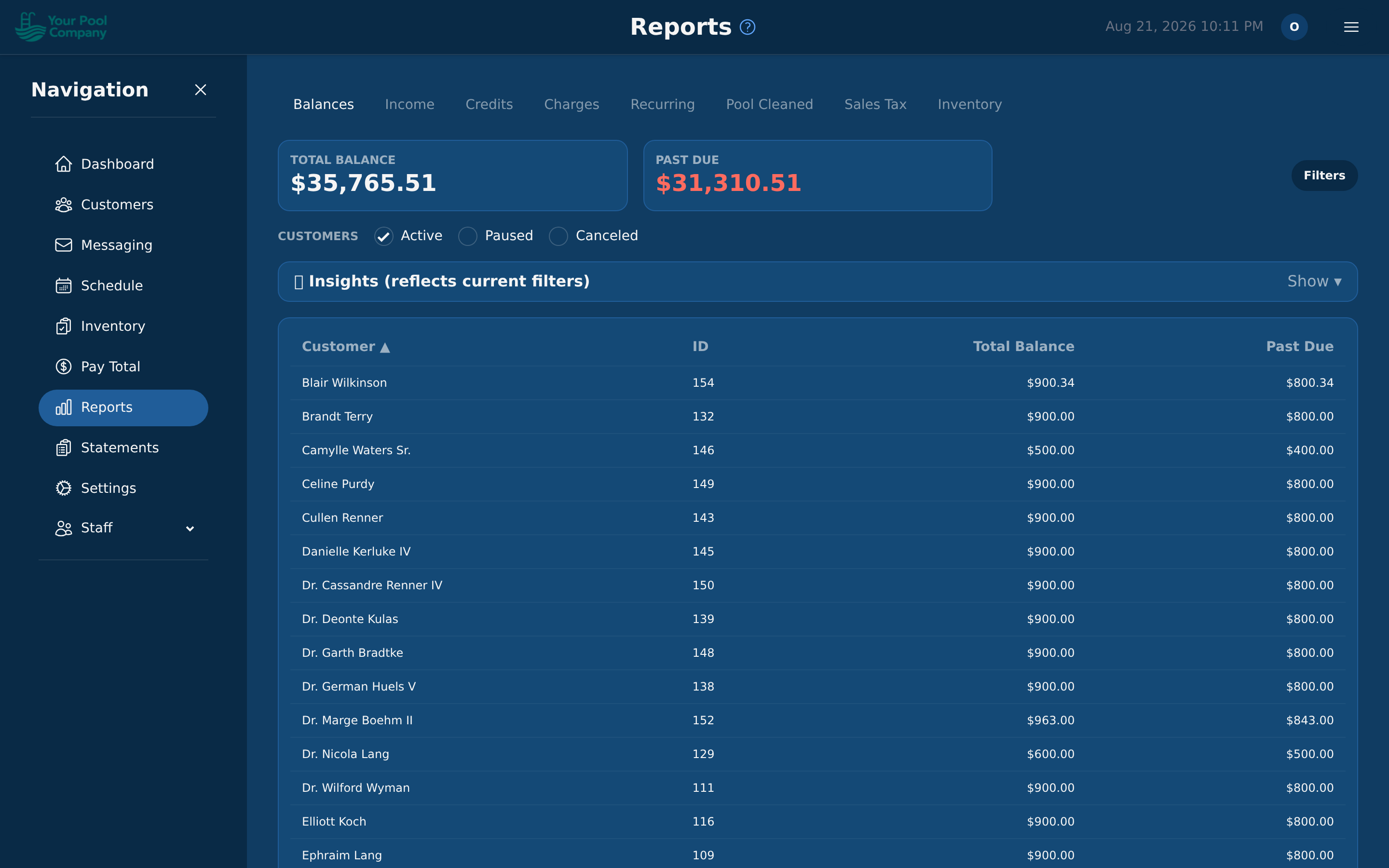
| Tab | What it tells you |
|---|---|
| Balances | Who owes you money, and how overdue it is |
| Income | Money actually received, by period |
| Credits | Every credit you've given out |
| Charges | Every charge posted, by period |
| Recurring | What your repeating services are worth per month, and whether that's growing |
| Pool Cleaned | How many pool services were finished, by technician, period, or service type |
| Sales Tax | Tax collected per period, for filing |
| Inventory | What you've used and what it cost — see 16.2 |
16.2 The Inventory tab
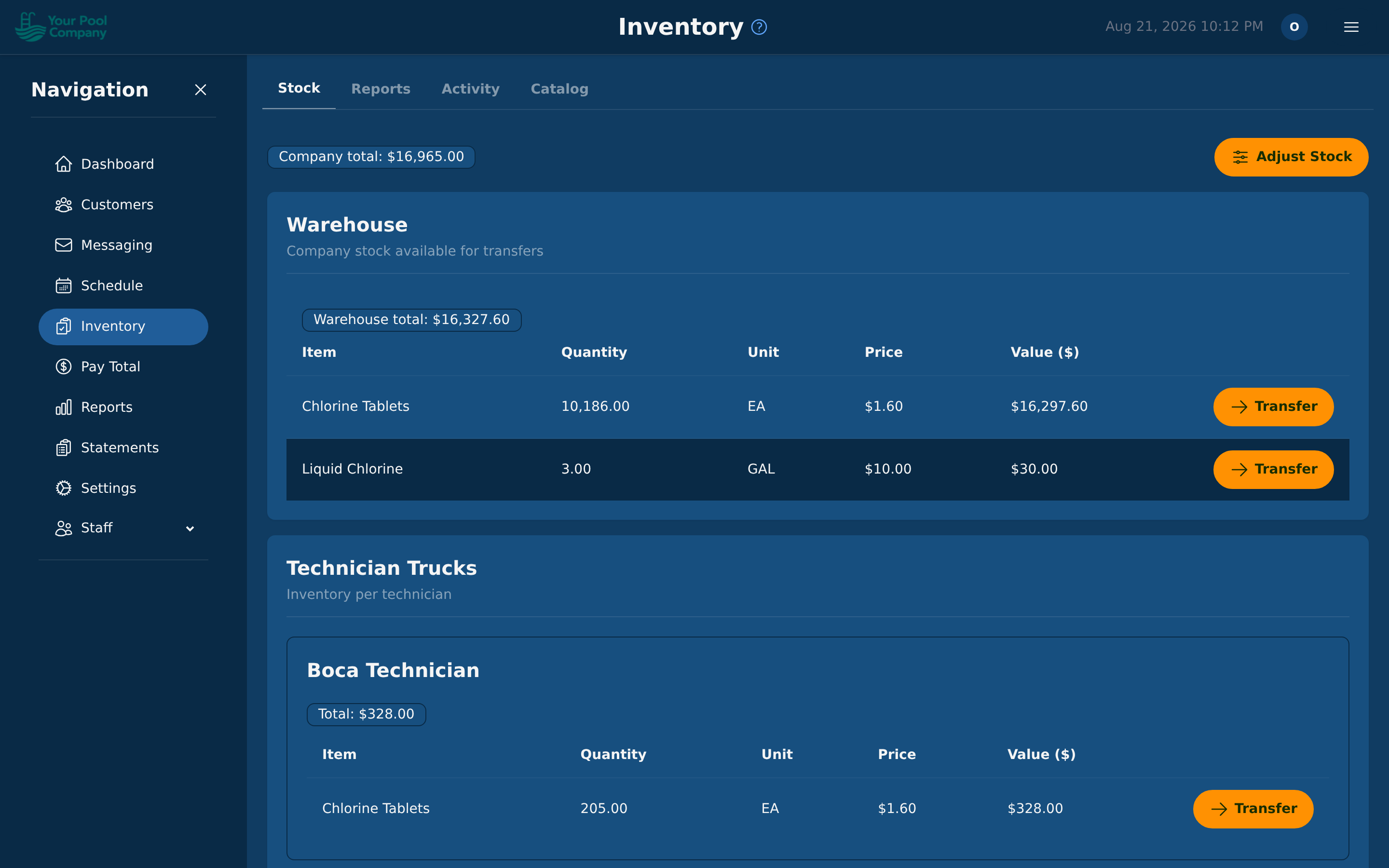
Three views inside one tab:
| View | What it tells you |
|---|---|
| Chemical Usage | How much of each item was used, by item, technician, or period |
| Chemical Cost | What that came to in money, per pool, per technician, or in total |
| Inventory Report | What your stock on hand is worth right now |
16.3 Sales tax
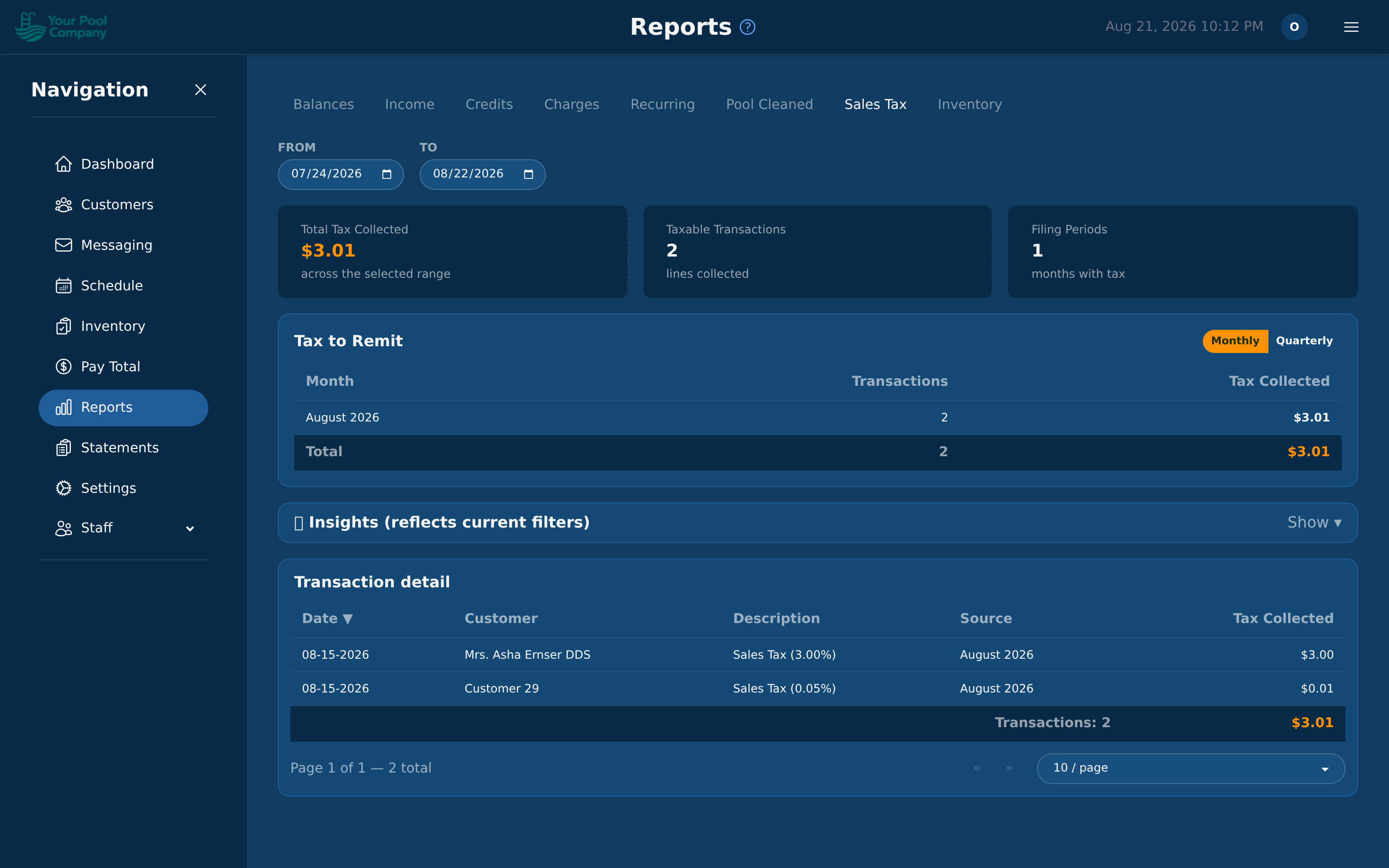
The Sales Tax report totals the tax you've collected in a period, so you can file the right amount without adding it up by hand.
16.4 Reading the numbers
- Balances answers "who should I chase?"
- Income answers "what did we actually take?"
- Recurring answers "is the business growing?" — it's the one to watch month on month.